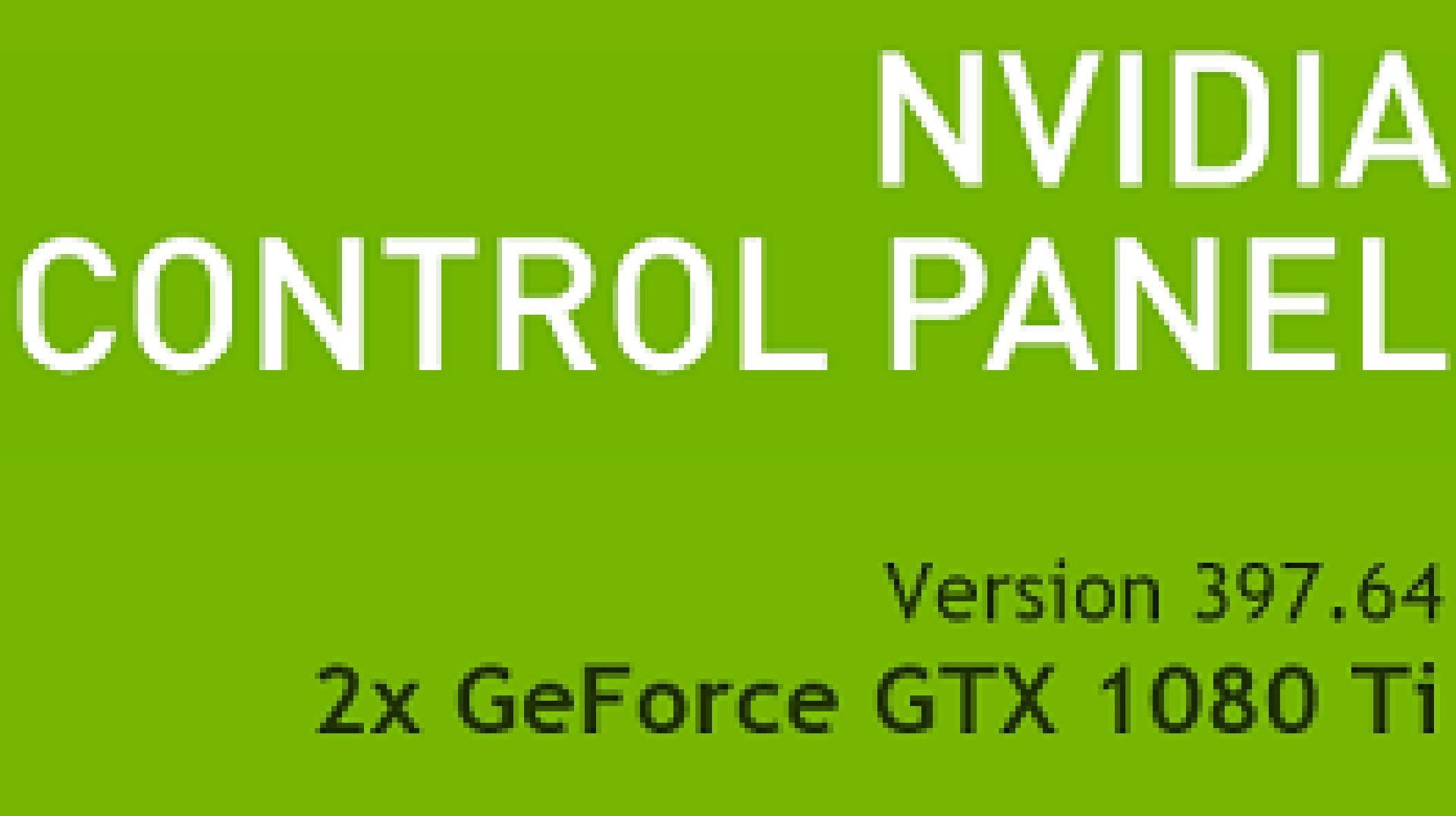
Nvidia Control Panel lives!
This isn’t just a resurrection; it’s a digital echo of a bygone era, clinging to existence in the Microsoft Store. For years, the Nvidia Control Panel (NVCP) has been the silent, steadfast gatekeeper to our graphics card’s deepest secrets, a digital Swiss Army knife for tinkerers and pros alike. Now, as Nvidia pushes its shiny new Nvidia App, the old guard isn’t quite ready to shuffle off this mortal coil. And you know what? For a specific slice of the user base, that’s actually good news.
Think of it like this: Nvidia’s new App is the sleek, minimalist smart home hub – gorgeous, intuitive, and designed for the masses. But sometimes, you just need that old, clunky remote control with the physical buttons for the really important stuff, the functions that haven’t made it into the streamlined ecosystem yet. That’s where the NVCP finds its continued relevance.
The Lingering Ghost of Professional Features
So, why would anyone bother snagging this relic? The primary reason isn’t for your average gamer splashing pixels on the latest AAA title. No, this is for the power users, the architects, the engineers – anyone wrestling with workflows that demand the granular control Nvidia once exclusively offered through the NVCP. Features like adjustments for Mosaic, Sync, stereo display, and certain pro-workflow toggles are reportedly still AWOL in the new Nvidia App. This isn’t just a minor oversight; for professionals who rely on these settings for complex visual setups and simulations, it’s a functional void.
This feels like a classic case of platform shift growing pains. We’re seeing a migration, a digital exodus from the old town square to the shiny new metropolis. But the infrastructure in the old town square—the specific utility lines, the specialized workshops—haven’t been fully replicated yet. So, if your digital livelihood depends on those particular utilities, you’re understandably going to want to keep a direct line to the old infrastructure.
A Sanctuary for the Familiar
Beyond the missing pro features, there’s the sheer comfort of familiarity. For those who’ve spent years navigating the NVCP’s menus, its predictable layout is less a chore and more a well-worn path. The new Nvidia App, while sleek, can feel like learning a new language. And in a world increasingly saturated with complexity, sometimes the old, slightly unglamorous, but utterly reliable tool is precisely what we need. It’s the difference between a chef using a state-of-the-art induction hob versus their trusty cast-iron skillet—both cook, but one has history and a specific, irreplaceable feel.
And let’s not forget the ever-present specter of software bugs. Nvidia’s driver releases have, at times, been… bumpy. The idea that the NVCP might serve as a fallback, a digital life raft in the turbulent seas of a buggy driver update, is a compelling one. It offers a sense of security, a known quantity to fall back on when the shiny new thing decides to throw a tantrum. It’s an insurance policy for your sanity.
Thankfully, Nvidia has left an NVCP installer in the Microsoft Store, for now.
Is it worth a separate download? If you’re a professional artist, a CAD designer, or someone who tinkers with multi-monitor setups for serious work, then yes. Absolutely. For the everyday GeForce user, it’s likely to remain a relic, a footnote in the grand unfolding story of AI-driven computing platforms. But for those specific use cases, this digital ghost isn’t just nostalgic; it’s functional. It’s a reminder that progress isn’t always linear, and sometimes, the old ways still hold the keys to unlocking what’s next.
Nvidia’s move here is fascinating from a platform perspective. They’re attempting a daring leap, a true paradigm shift with their new unified app. But in doing so, they’ve also revealed the subtle dependencies and specialized needs that aren’t instantly transportable. This isn’t just about graphics settings; it’s about how fundamental platform shifts impact specialized toolchains and user workflows. And for now, the NVCP, a tool born from a previous technological epoch, remains indispensable for a crucial segment of users.
🧬 Related Insights
- Read more: White House Slaps Down Staff Bets on Iran Ceasefire Odds
- Read more: Top Sites Swap Golden Ratio for Musical Math That Converts
Frequently Asked Questions
Will the Nvidia Control Panel be removed from the Microsoft Store soon? Nvidia hasn’t announced an end-of-life date for the Microsoft Store version of the NVCP, but it’s advisable to grab it while it’s available, especially if you rely on its unique features.
Can I use the Nvidia Control Panel without installing a new driver? No, you will still need to download and install a modern Nvidia graphics driver to use the separate NVCP interface. The app itself is just a UI layer.
Is the Nvidia App a complete replacement for the Nvidia Control Panel? For most consumer-level features, yes. However, certain professional RTX Pro and Quadro-specific settings are not yet available in the Nvidia App and can only be accessed via the legacy Nvidia Control Panel.