For a long time, if you were an iPhone user and you wanted any semblance of voice control in your car, Siri was your only real option via CarPlay. Giving directions, making a call, fiddling with your playlist – Siri could handle the basics, and for more complex queries, you’d likely defer to ChatGPT on your phone. It was a functional, if sometimes frustrating, ecosystem. We all just sort of accepted it. Then, Android Auto entered the picture, and suddenly, the horizon of in-car AI assistants exploded.
Look, we all expected incremental improvements, right? Maybe Siri would get a little snappier, understand a few more commands. That’s the typical tech cycle. But what’s happening now, with the deep integration of AI like Google’s Gemini into our driving experience, feels less like an update and more like a tectonic shift. It’s like moving from a horse-drawn carriage to a self-driving electric vehicle in one go.
One iPhone user, who I’ll call our intrepid pioneer, decided to bridge the iPhone-Android divide for the sake of their car, opting for Gemini through Android Auto, and the results? Surprisingly positive.
The AI Assistant Showdown: Siri vs. Gemini
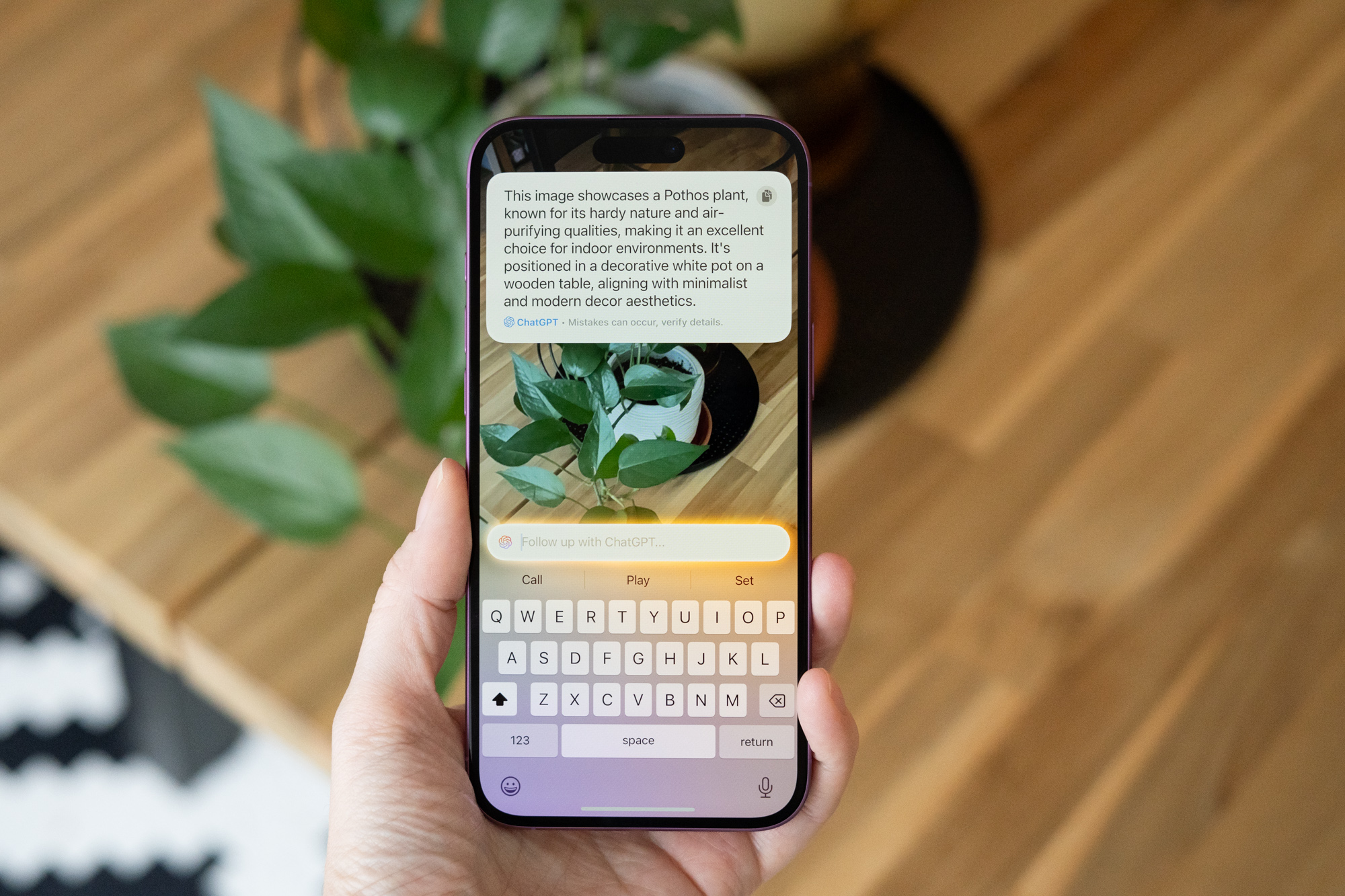
For iPhone loyalists, CarPlay is the gateway. It’s been the standard bearer for integrating your phone into your car’s infotainment system. Siri, for all its quirks, is the voice you hear. It’s capable of a respectable range of tasks: navigation, communication, music control. When Siri falters, as it often does with anything beyond the mundane, users might turn to another AI on their phone. But the idea of using a different, more powerful AI directly through the car’s interface, without abandoning their primary device? That’s where things get interesting.
Gemini, on the other hand, represents Google’s ambitious push into multimodal AI, and its integration into Android Auto is a significant play. It promises not just to understand commands but to reason and generate more complex responses. Think sending emails, getting detailed restaurant recommendations powered by Maps, setting nuanced reminders, or even engaging in more sophisticated conversational queries. It’s a significant upgrade over the basic command-and-control model.
“With Google’s AI, you can send emails and messages, ask for playlist suggestions, get information on local restaurants and businesses via Google Maps, set reminders, ask any question on your mind, play a game, listen to a story, and more.”
This isn’t just about voice commands; it’s about an AI companion that can actually do things for you while you’re navigating the complexities of the road.
Bridging the Divide: An iPhone User’s Journey
The author, an avowed iPhone user, took the plunge. Why? Their Toyota Camry supports Android Auto, and curiosity, coupled with the potential for a superior AI experience, was the driving force. This isn’t a story of defecting from Apple; it’s a story of recognizing a platform shift and choosing the best tool for a specific, critical job: the in-car AI assistant. It’s a proof to how powerful AI is becoming, capable of transcending the walled gardens we’ve become accustomed to.
The setup itself is a fascinating process, requiring a few key steps that highlight the interoperability—and sometimes, the intricacies—of modern tech. You need the Gemini app, naturally, and then you have to designate it as your default assistant on your Android phone. For most Android phones, this is a straightforward settings adjustment. Samsung users, however, have a slightly different path, involving ensuring Google is the default digital assistant. This little detour is a classic example of how even within a single ecosystem (Android), user experiences can diverge, making tech support feel like deciphering ancient hieroglyphs sometimes.
But the real magic happens when you enable hands-free activation within the Gemini app. The ‘Hey Google’ trigger, long a staple, becomes the key to unlocking Gemini’s full potential on the go. Then comes the connection to the car – either via USB or wirelessly. It’s a process that, while detailed, leads to a significantly more capable assistant.
The AI Platform Shift in Your Pocket (and Dashboard)
This experiment highlights a fundamental truth: AI is becoming the new operating system. We’re moving beyond static apps and into dynamic, intelligent agents that can orchestrate our digital lives. Gemini in Android Auto isn’t just a feature; it’s an example of how AI can become a foundational layer, accessible across different hardware and software ecosystems. The fact that an iPhone user is finding value here speaks volumes.
It’s also a subtle critique of how sometimes, proprietary ecosystems can limit innovation. While Apple’s Siri has improved, the sheer breadth and depth of what Google is embedding into Android Auto with Gemini suggest a more aggressive, platform-level thinking. This isn’t just about a better voice assistant; it’s about reimagining the car as an extension of our AI-powered digital world.
Why This Matters: Beyond the Dashboard
This move from Siri to Gemini in the car is more than a personal anecdote. It signals a broader trend. We’re becoming accustomed to highly intelligent AI companions. The car, a space where our attention is divided and efficiency is paramount, is a prime candidate for this AI revolution. The AI catching up here isn’t just about voice recognition; it’s about contextual awareness, proactive assistance, and smoothly integration into our daily routines.
Will this push Apple to accelerate Siri’s evolution? Almost certainly. But for now, the Gemini-powered Android Auto experience offers a compelling glimpse into a future where AI assistants aren’t just tools, but integral partners in our journeys, regardless of the phone in our pocket.
🧬 Related Insights
- Read more: FAQ Schema Gives Your Site 2.7x More AI Citations – Thanks to Boring Visible Text, Not Fancy Code
- Read more: Cursor Dethrones Copilot: The 2026 AI Code Editor Throwdown
Frequently Asked Questions
Will this mean I have to buy an Android phone to use Gemini in my car? No, this specific setup requires an Android phone to use Gemini with Android Auto. However, the broader trend is towards more capable AI assistants, and future integrations might be platform-agnostic.
Is Gemini in Android Auto truly better than Siri in CarPlay? For many tasks, particularly those requiring deeper information retrieval or more complex interaction, Gemini is showing a significant edge. However, Siri still offers a tightly integrated experience for iPhone users.
Can I use Gemini with an iPhone in my car? Not directly through CarPlay for the kind of deep integration described. You’d need an Android phone paired with an Android Auto-compatible car to use Gemini as your primary in-car AI assistant in this manner.